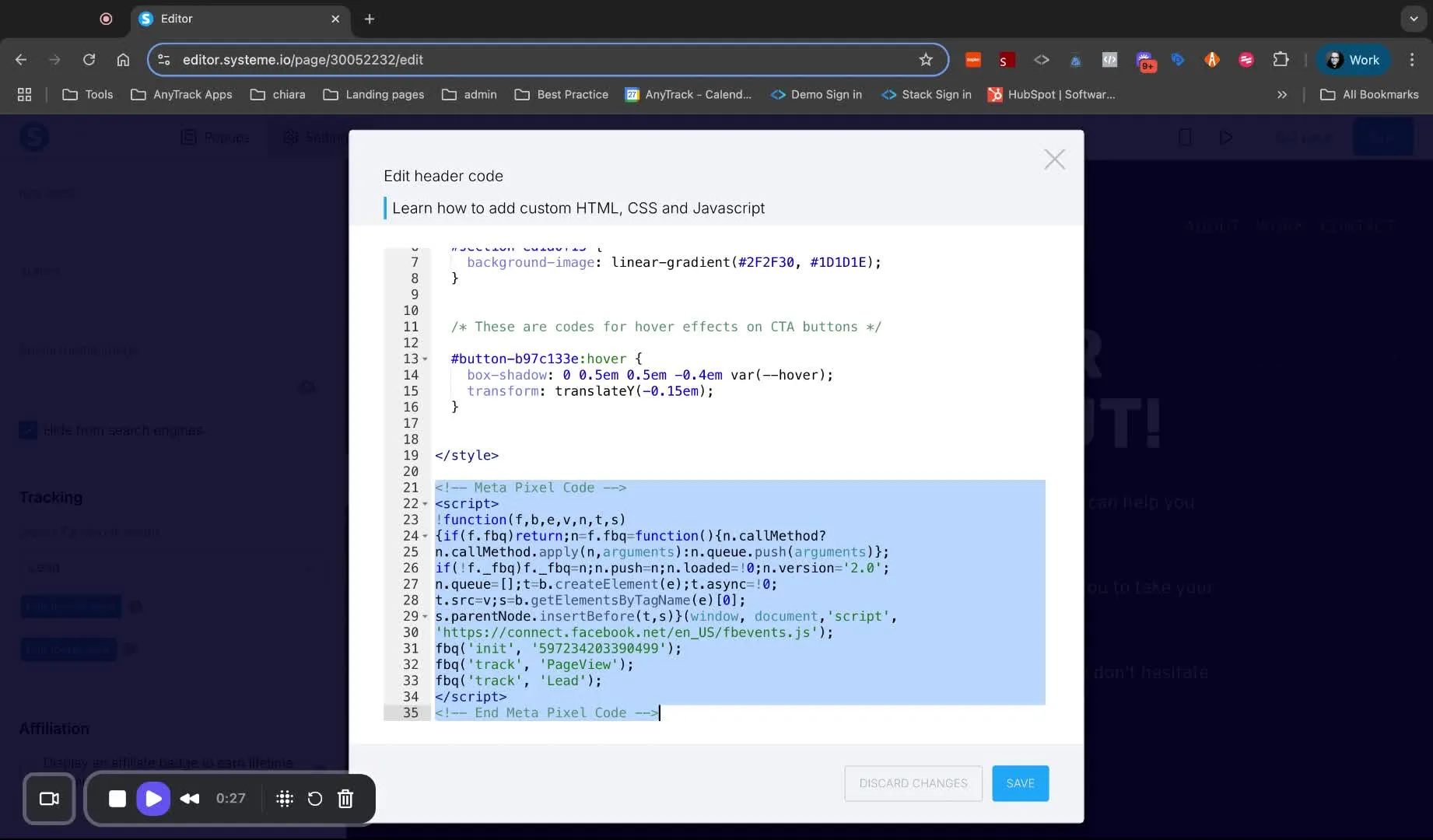
Removing Facebook Integration
This article outlines the steps to remove Facebook integration from your Systeme.io settings and ensure it is removed from all relevant pages in your funnel.
Objective
Section titled “Objective”This article outlines the steps to remove Facebook integration from your System I.O. settings and ensure it is removed from all relevant pages in your funnel.
Key Steps
Section titled “Key Steps”1. AccessSysteme.io Settings
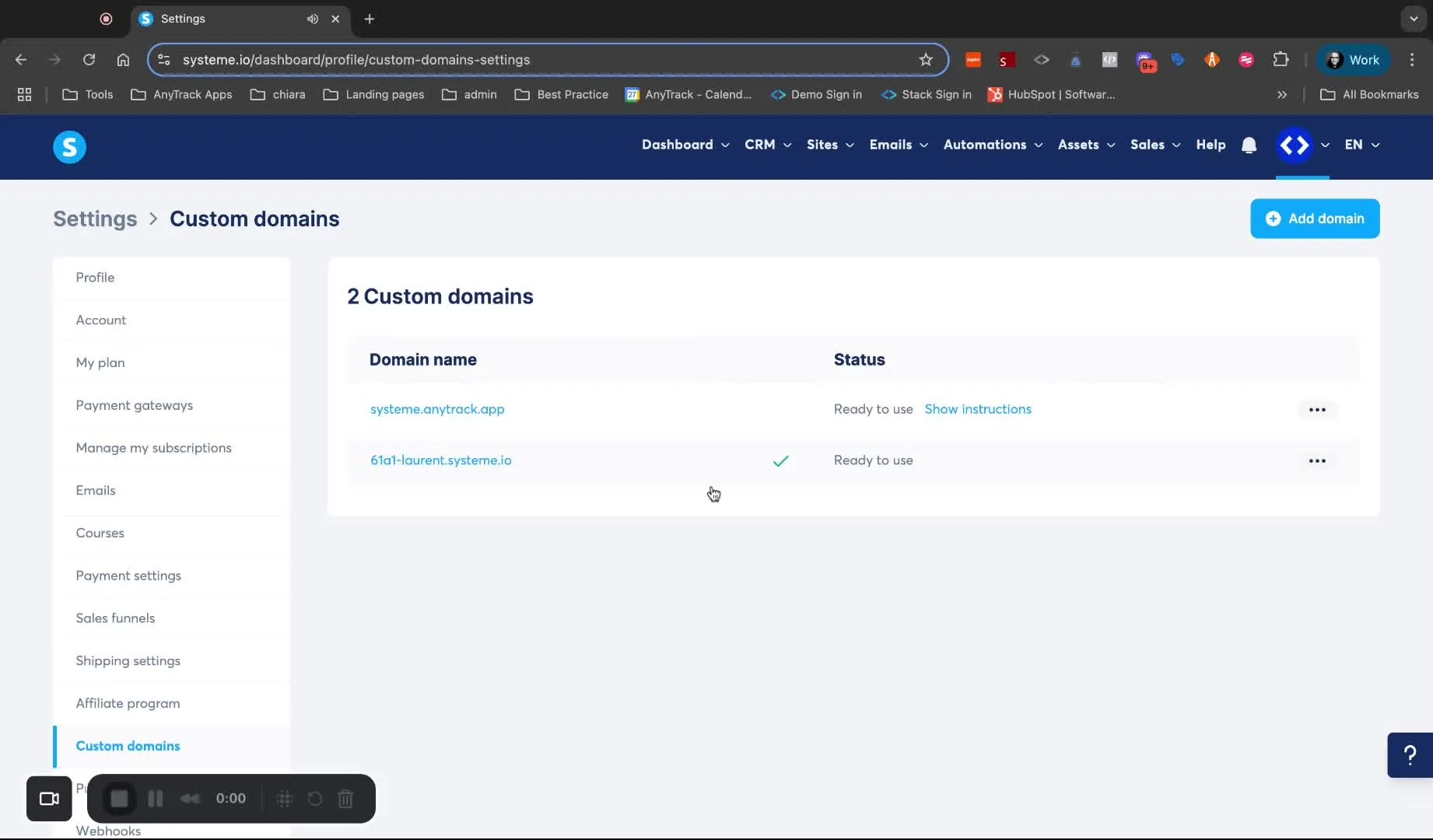
- Go to the settings of your funnel.
- Select ‘Custom Domains’.
- Navigate to ‘System I Settings’.
- Scroll down to find the Meta Pixel and token.
- Remove Meta Pixel and Token
- Remove the Meta Pixel and token from the settings.
- Click ‘Save’ to confirm the changes.
- Edit Funnel Pages
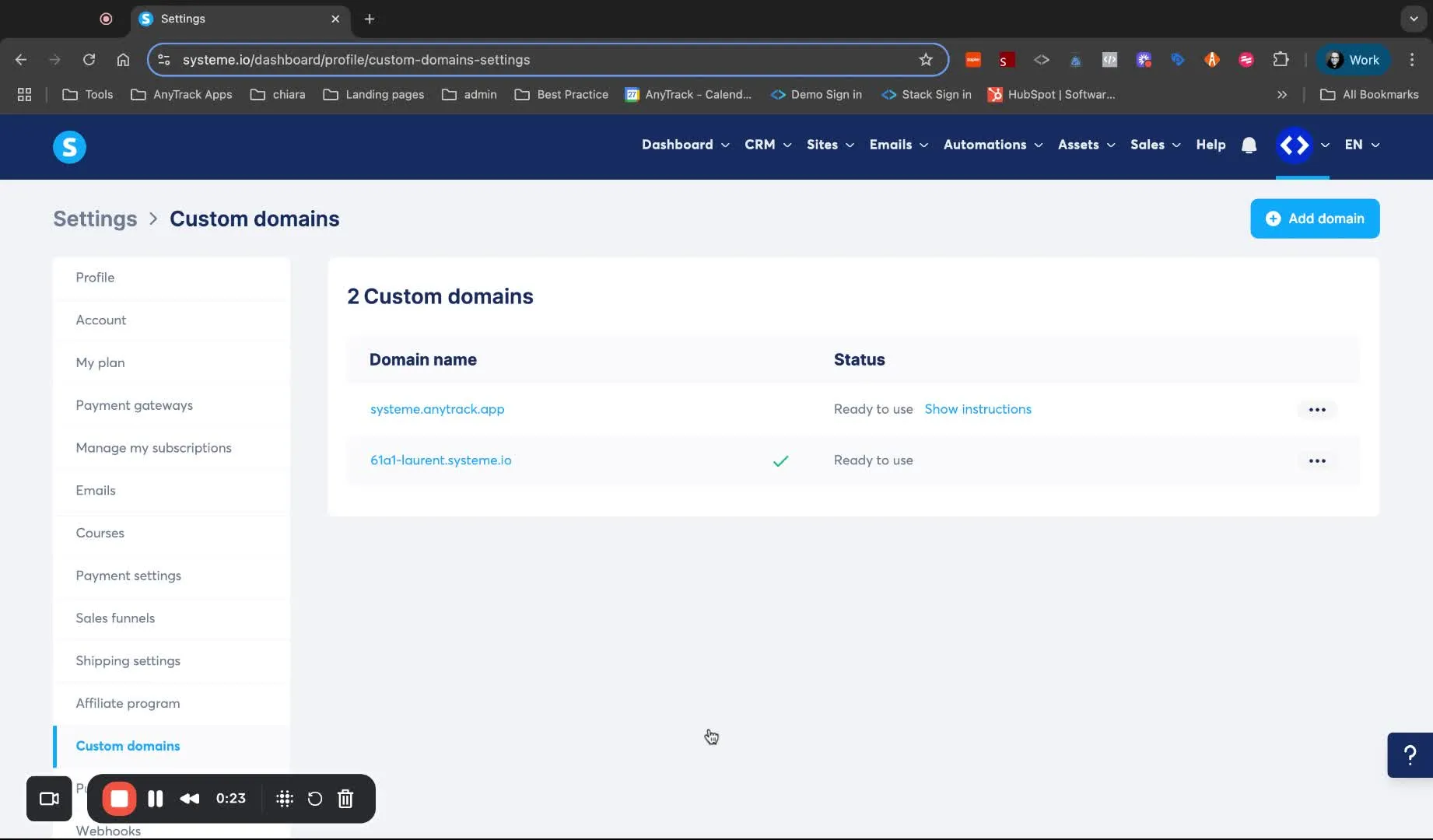
- Go to the funnels section.
- Edit the page settings for each funnel page.
- Remove Meta Pixel from Each Page