
Conversion Tracking Revenues
Learn how to customize event selection in AnyTrack to aggregate values into revenue metrics. Enhance your campaign reports with accurate data insights. Step-by-step guide and FAQs included
What is Conversion Event Selection?
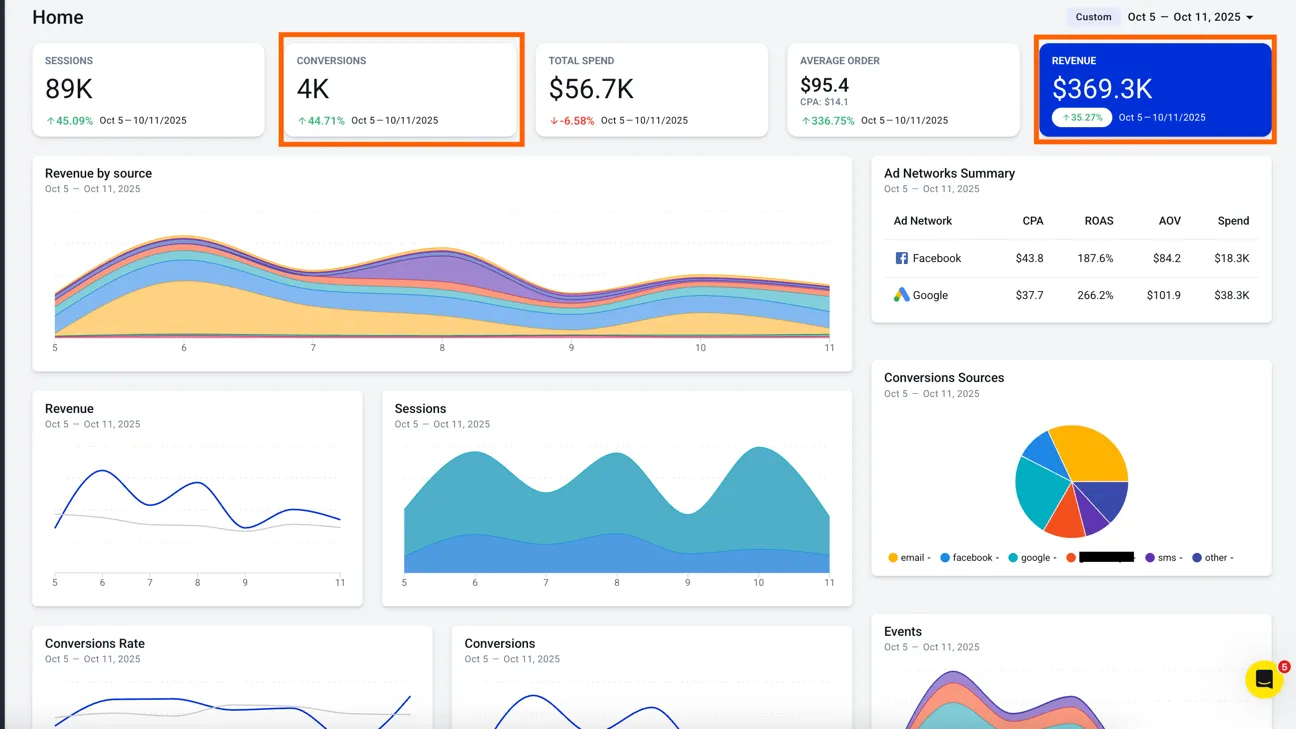
Section titled “What is Conversion Event Selection?”Customize which tracked events (like Purchase, SignUp, or ViewContent) count toward your revenue calculations. Include other valuable customer actions beyond purchases to get a complete picture of campaign performance.
Why Use Custom Conversion Events?
Section titled “Why Use Custom Conversion Events?”Why Use Custom Conversion Events
Section titled “Why Use Custom Conversion Events”Gain more accurate insights into campaign performance and optimize marketing strategies:
- Recover missed
revenue: Include valuable actions beyond purchases - Improve campaign optimization: See the true impact of your marketing efforts
- Refine ROI calculations: Account for all
revenue-generating activities