
Time Zone and Currency
Customize AnyTrack property time zone and currency settings. Align property settings with your business location and reporting needs for accurate data.
Time Zone Settings
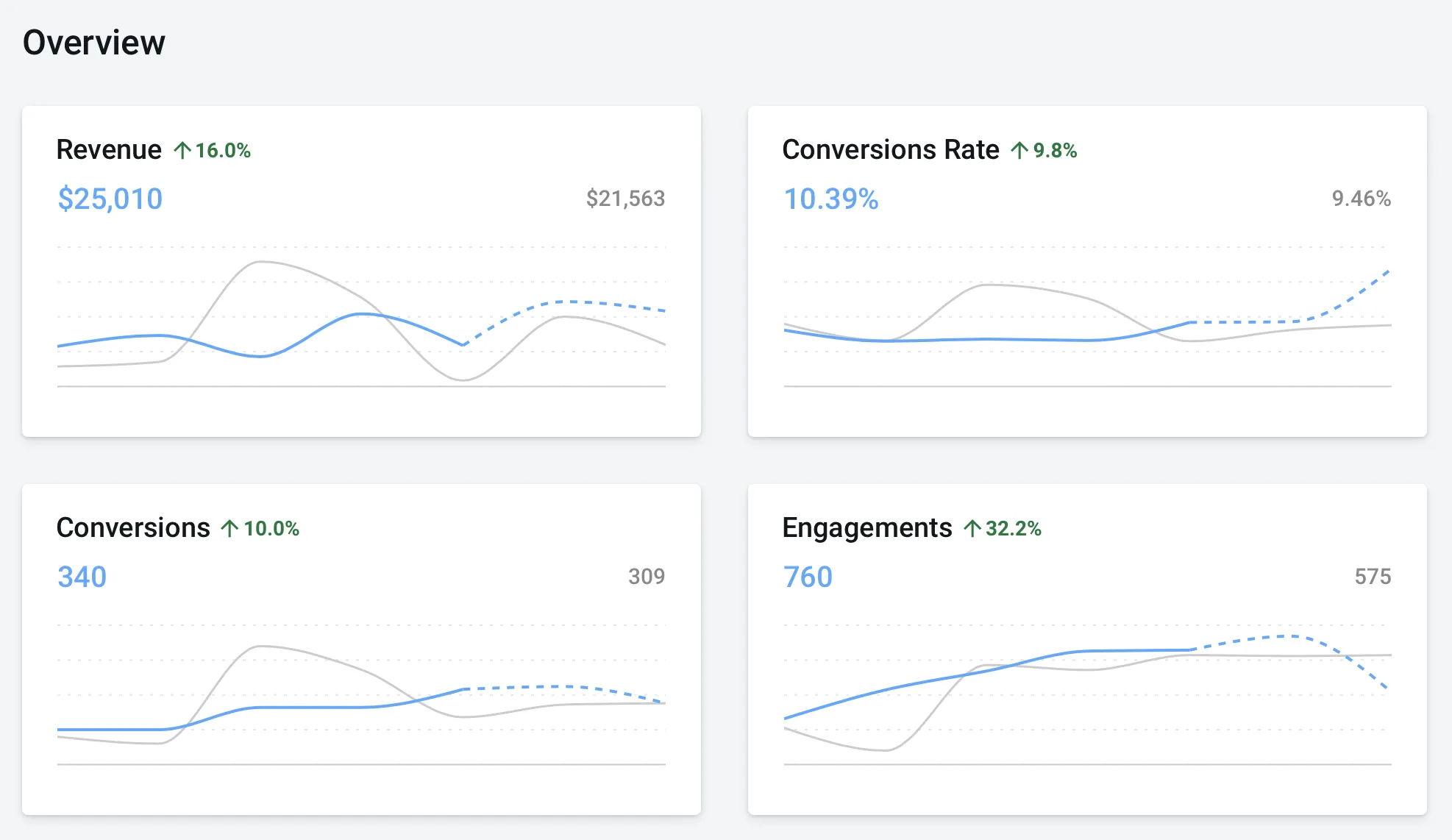
Section titled “Time Zone Settings”Exported records from AnyTrack display all times in ISO 8601 format (UTC). AnyTrack generates graphs and reports for each property based on your property time zone, which defaults to your local time zone.
Change Property Time Zone
Section titled “Change Property Time Zone”-
Navigate to Property Settings
-
Select the Settings tab and scroll down to Display Settings
-
Change the time zone and save
Align your property's timezone with your other integrated systems.
Currency Settings
Section titled “Currency Settings”Define the base currency of your property. Tracked revenue automatically converts to your base currency.
Change Property Currency
Section titled “Change Property Currency”- Navigate to Property Settings
- Select the Settings tab and scroll down to Display Settings
- Change the currency and save