
How to Integrate SamCart in AnyTrack
Set up SamCart integration with AnyTrack to track sales and upsells, enabling accurate attribution and conversion reporting to ad platforms.
Set Up AnyTrack Tracking for SamCart
A step-by-step guide to integrating AnyTrack tracking with SamCart to monitor sales performance, verify tracking, and optimize marketing strategies.
Tools:
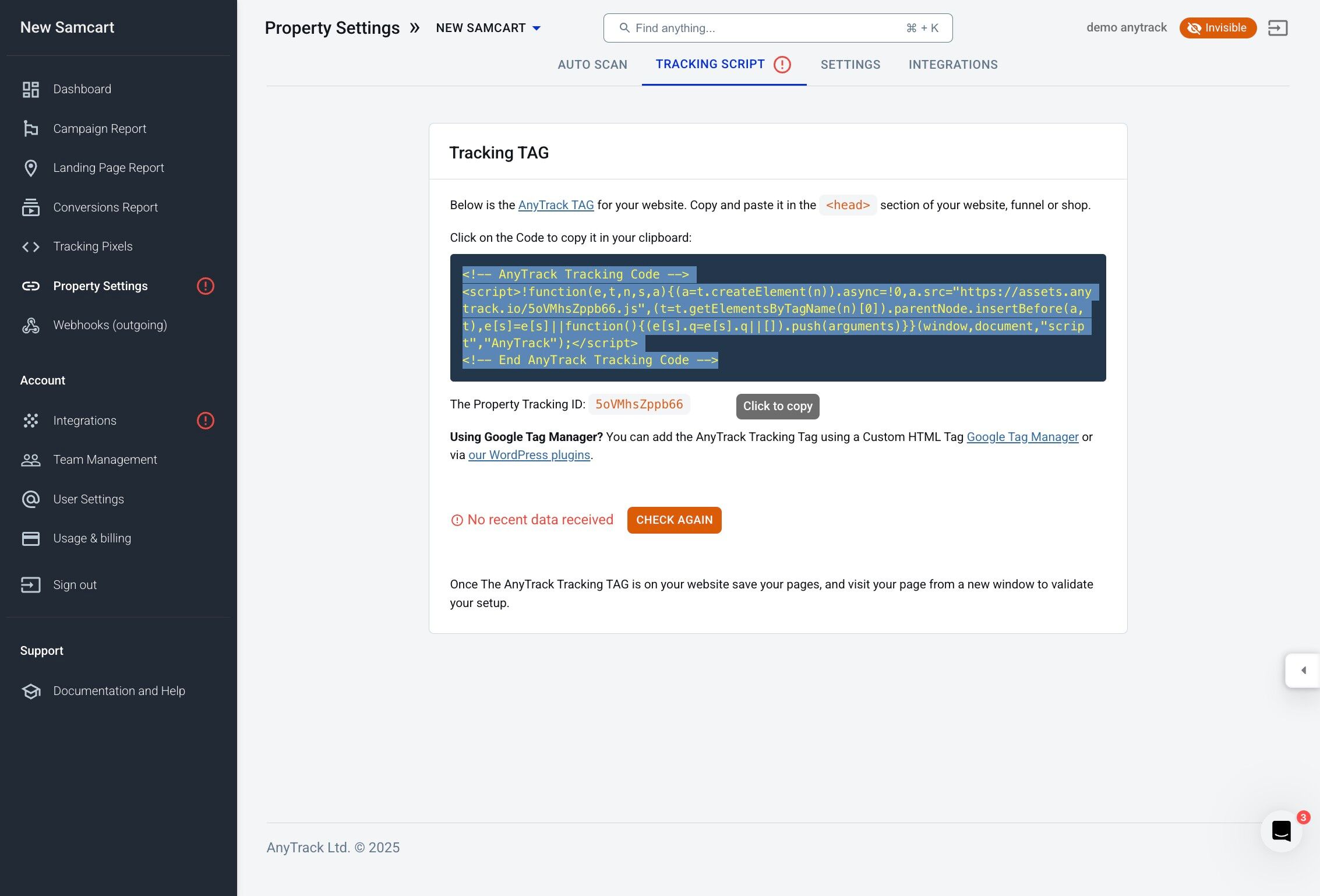
- AnyTrack Tracking Tag
- SamCart Account
-
Create a new property and copy the AnyTrack Tracking Tag
-
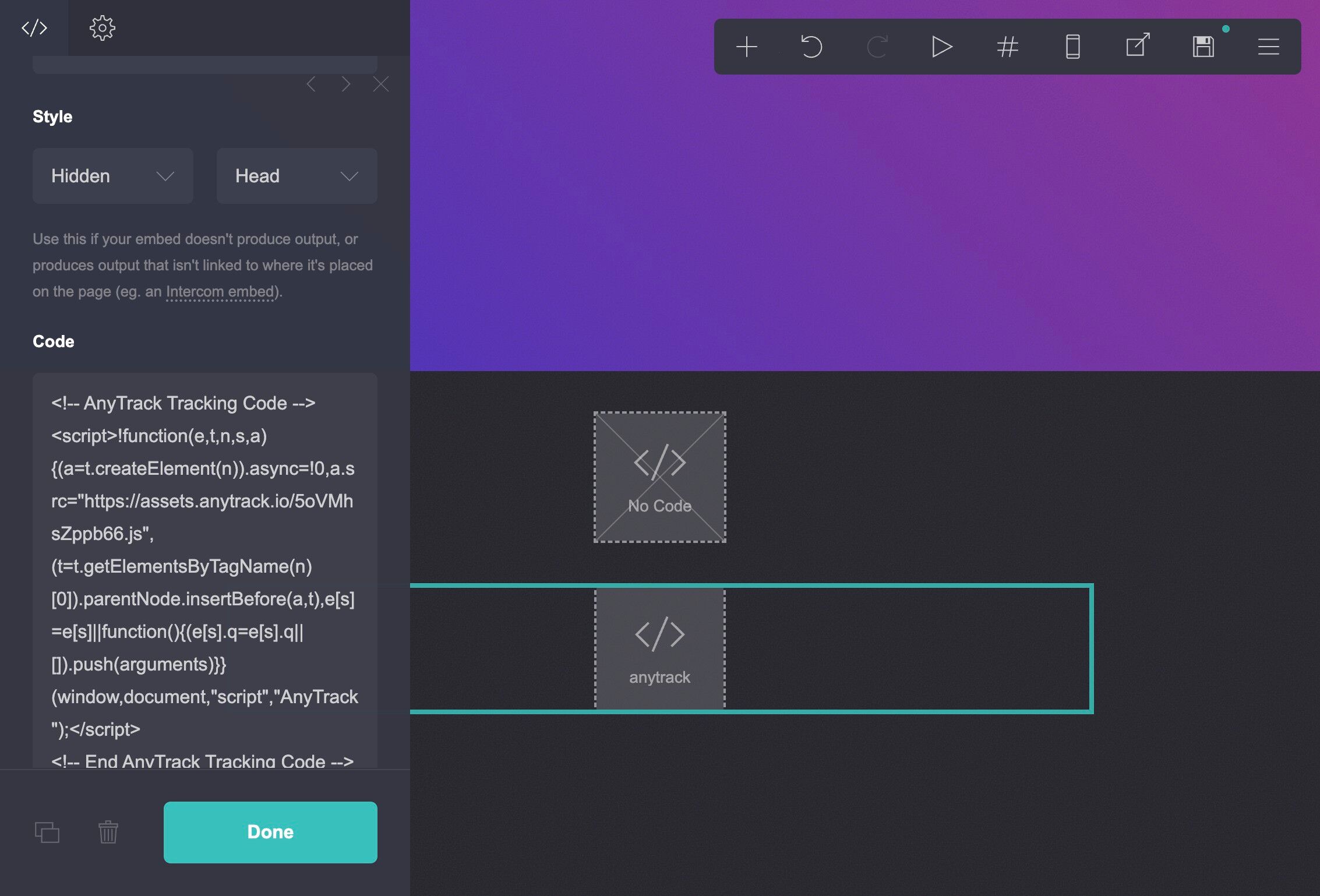
Paste the Anytrack Tracking Code in the head section of your website
-
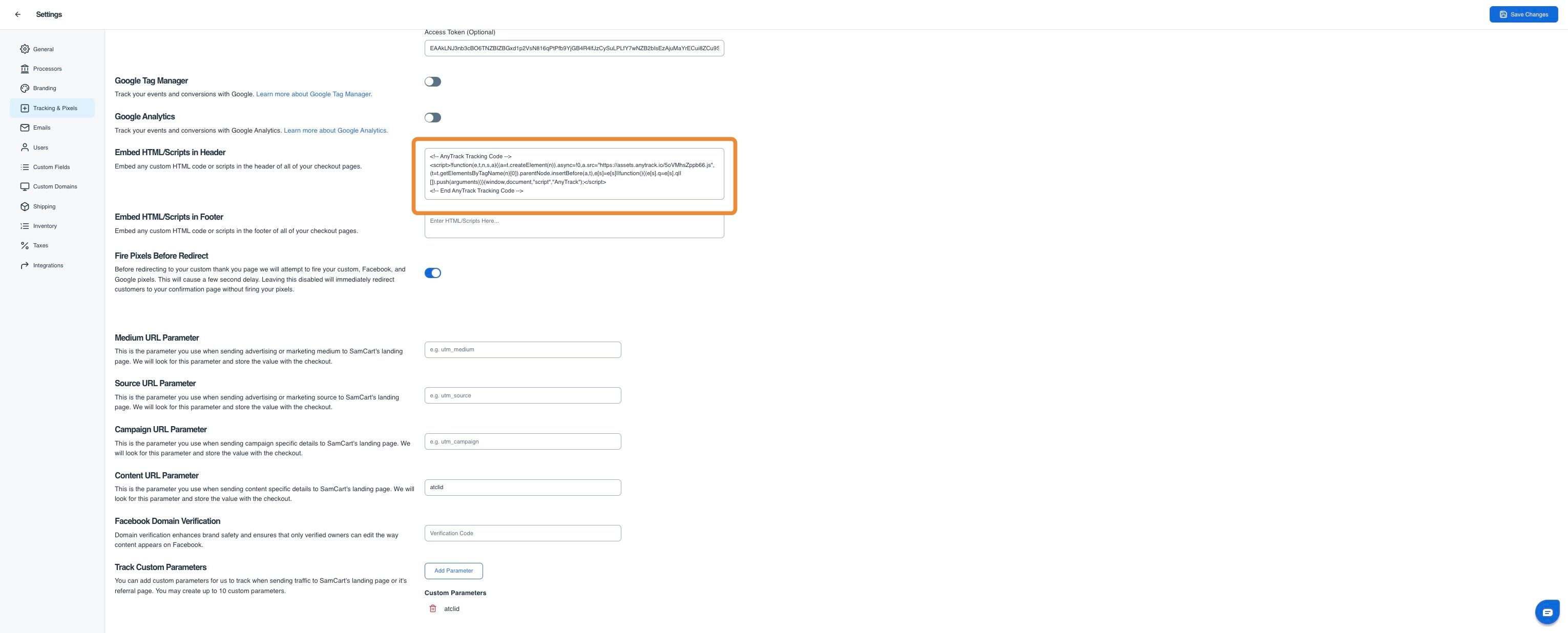
Paste the Anytrack tag in the header field and enable Fire Pixels before Redirect
-

Add the atclid tracking parameters
-
Add the SamCart Integration in AnyTrack

-
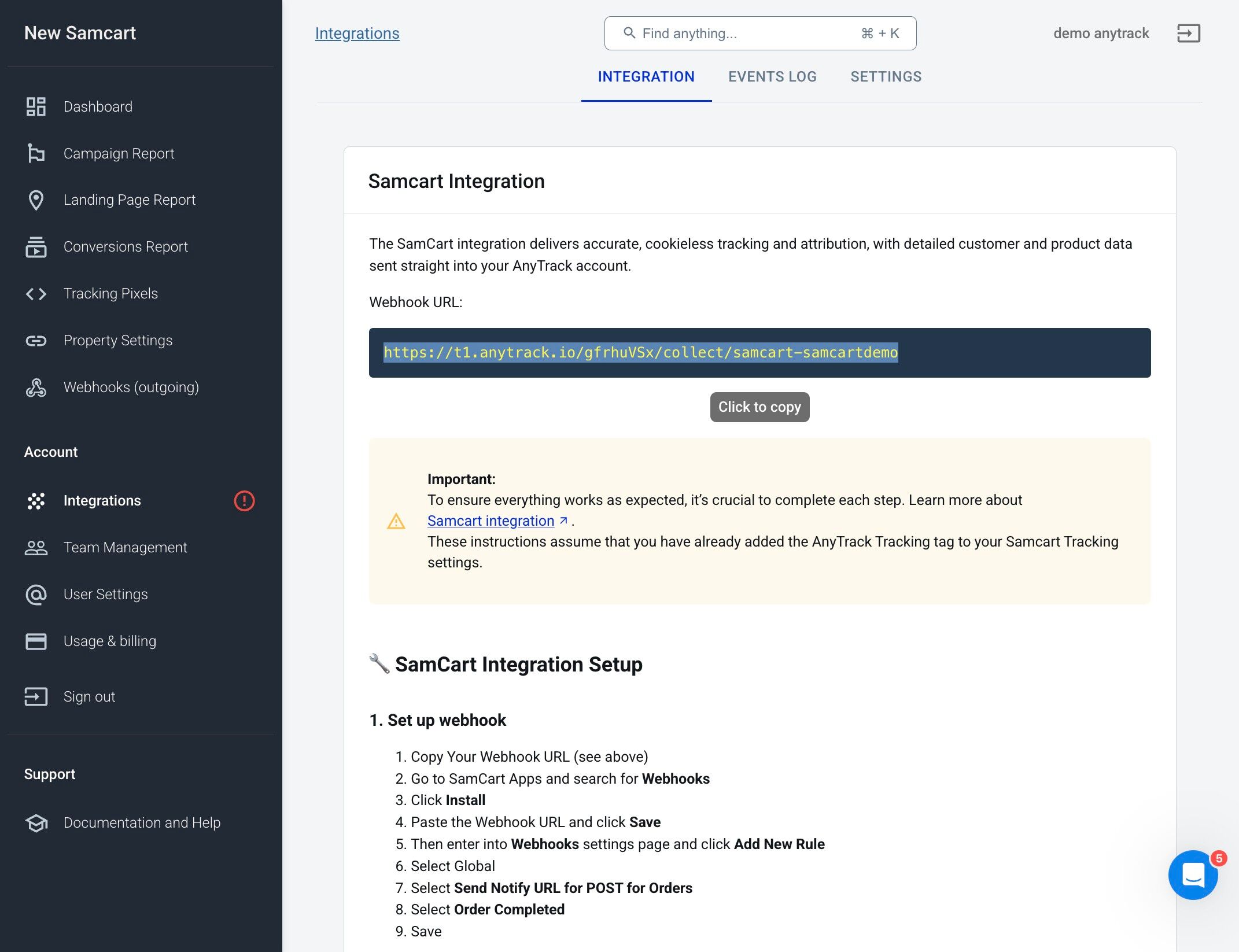
Copy the AnyTrack Webhook URL and add it to SamCart
-
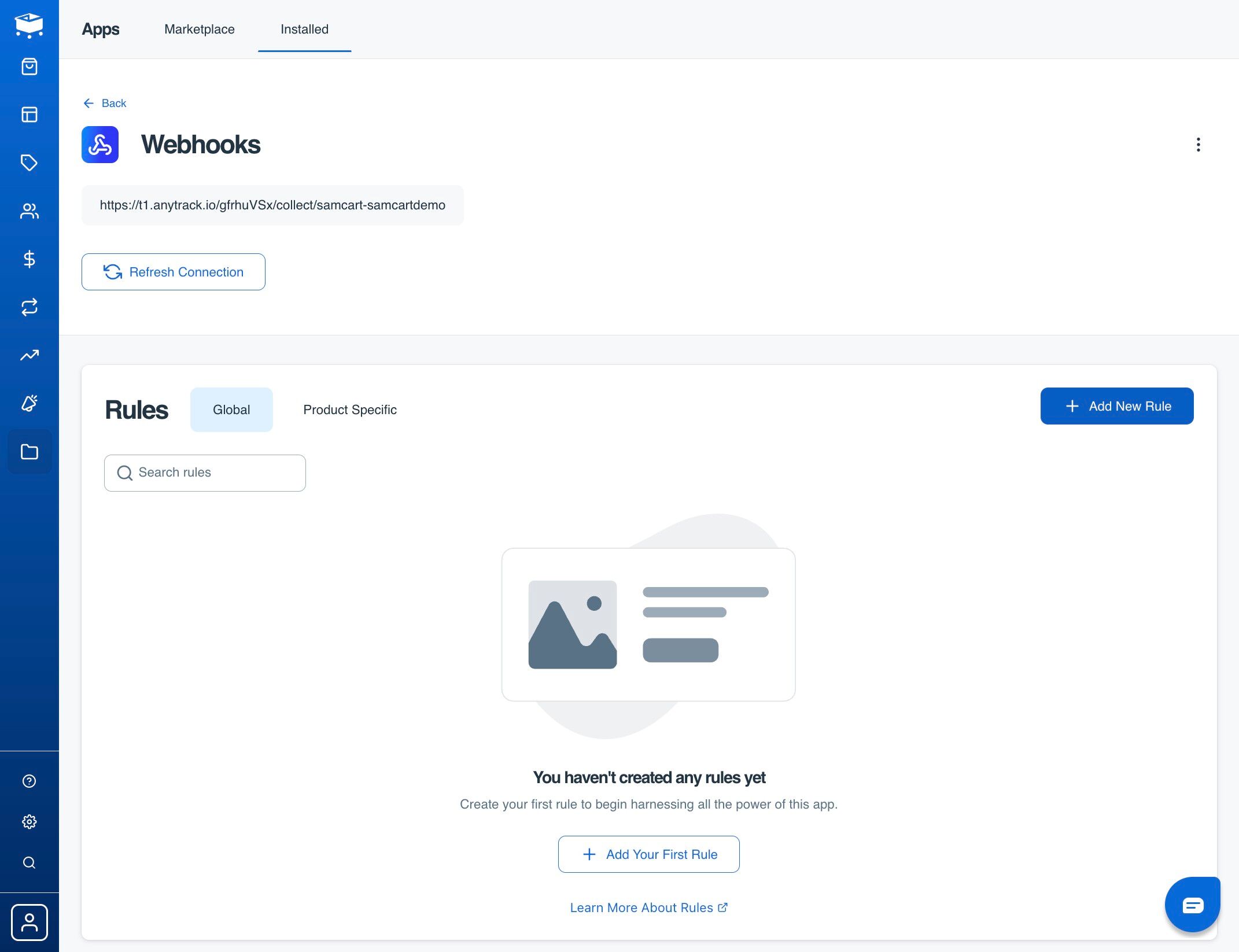
Configure Webhook Settings and Test the Integration
-
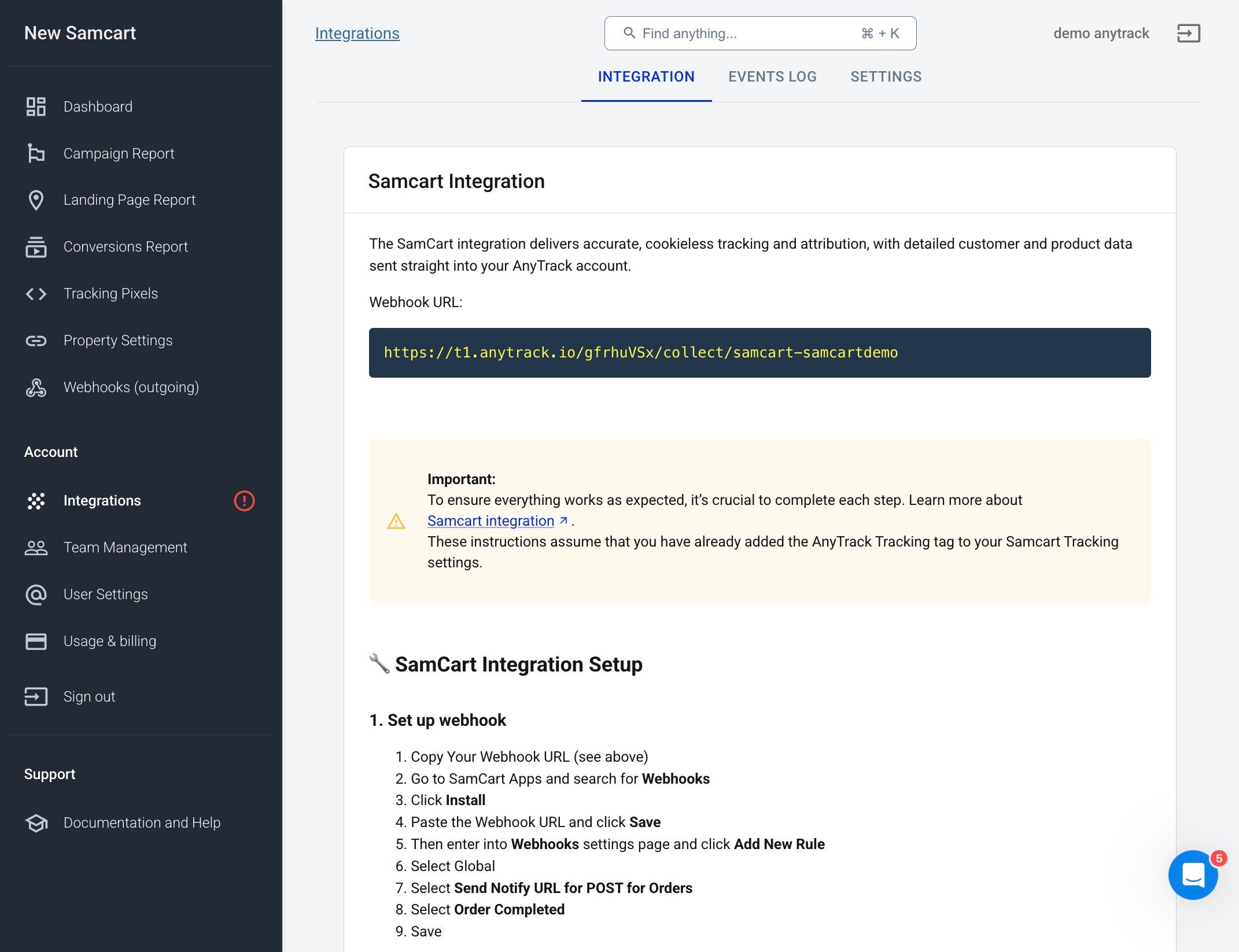
Inspect Conversions in Events Log
-
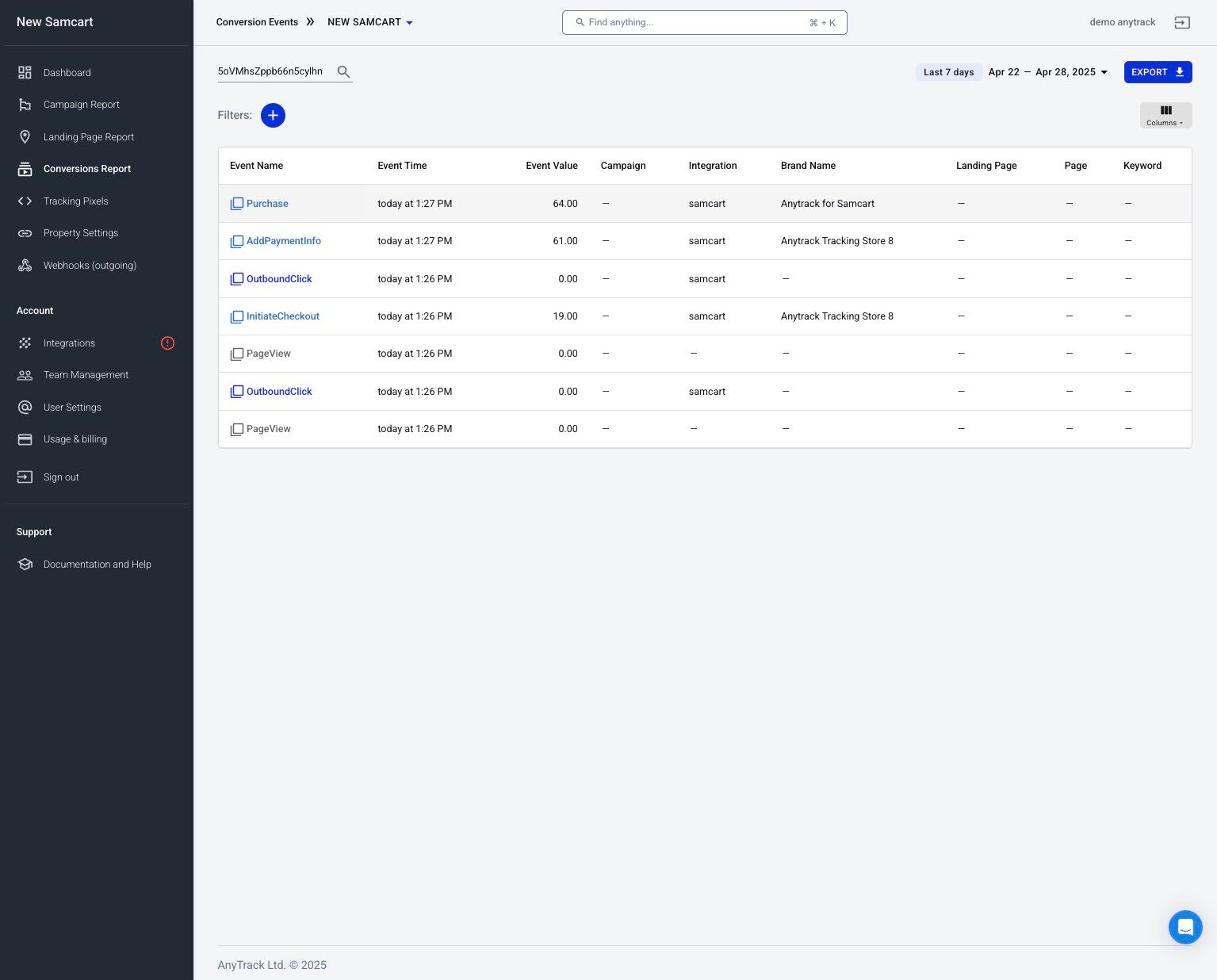
Open Conversion Reports and Purchase Events
Updated 21 days ago