
AnyTrack Core Features & Concepts
" deprecated: false hidden: true metadata: title: "" description: "" robots: index next: description: "
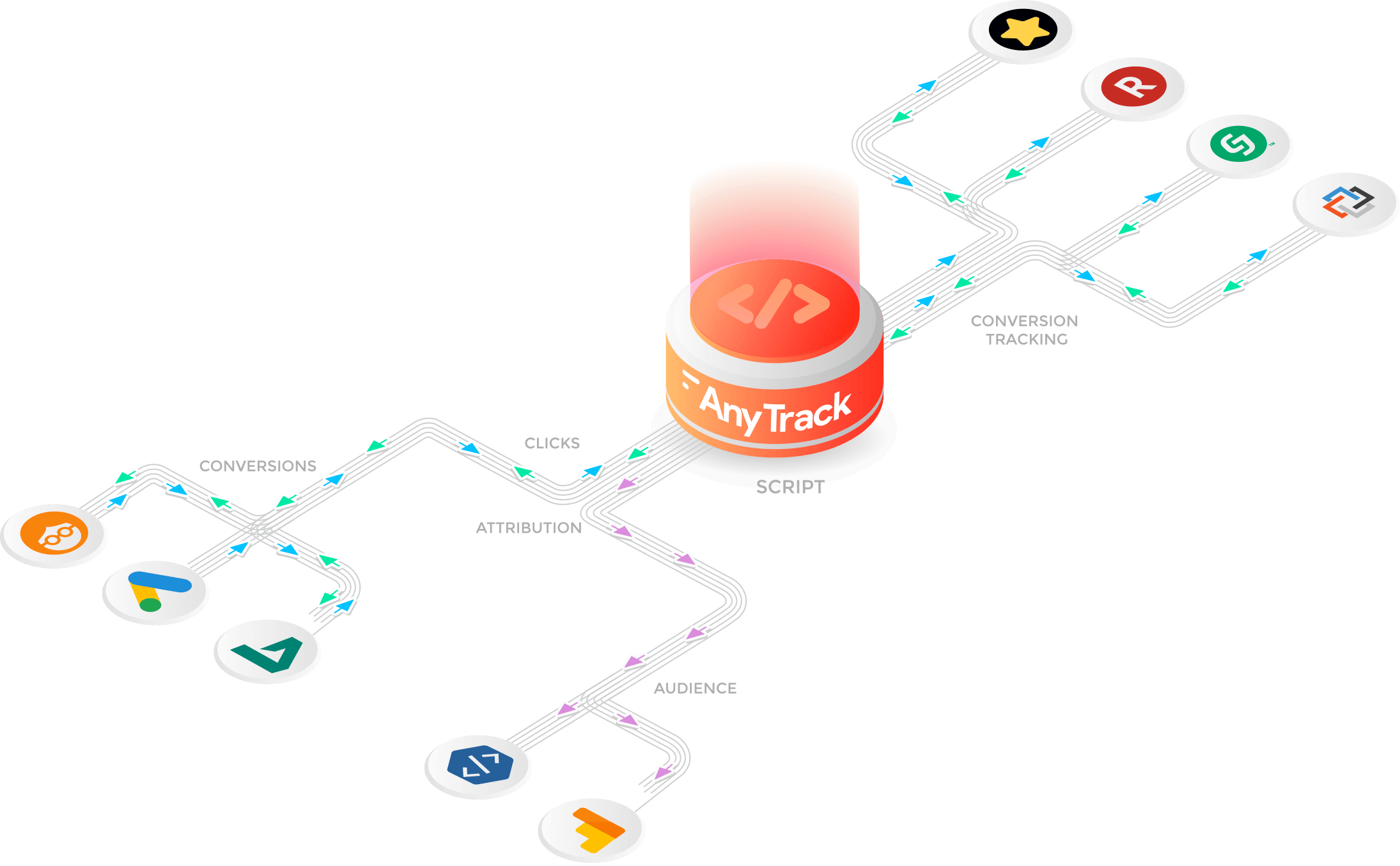
Discover AnyTrack core concepts and features so you can quickly and easily start tracking your traffic and build a clean data pipeline.
The AnyTrack platform allows digital marketers to orchestrate the collection, tracking, attribution and distribution of traffic and conversion data across any marketing ecosystem.
Once the data is synced, it allows the marketer to take advantage of ad networks optimization engines, build custom audiences, measure campaigns and traffic ROI, or even build email marketing sequence based on subscribers' engagements and purchase history.
A true "plug & play" environment that not only solves huge tracking challenges, but tears down the frustrations created by tracking complexity and lack of data standards across affiliate platforms, tracking software, landing page builders and eCommerce platforms.
AnyTrack records incoming traffic
When a visitor lands on your site, the AnyTrack TAG will perform two main tasks:
- It will generate a unique Visit ID which will allow AnyTrack to identify the user
- Records traffic attributes such as:
- URL parameters
- Page path
- Page URL
- Campaign attributes
- UTM parameters
- Other URL parameters such as Click IDs, Campaign ID, etc.
- Client info
- Device
- IP
- User Agent
- Google Analytics Client ID (the cookie set by Google Analytics to track individual visitors)
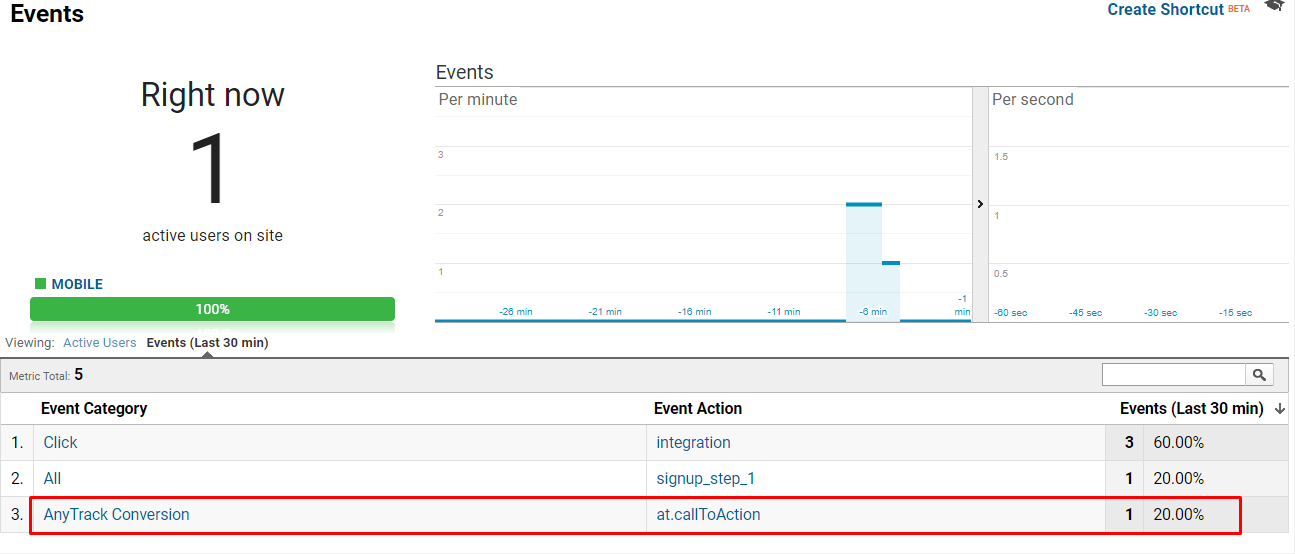
Once the conversion event is sent to Google Analytics, you can fully take advantage of your Google Analytics data.
- Segment your audience according to specific goals
- Build retargeting list
- Identify our Audience best segments
- Improve your website flow
- Identify your top converting pages
- Identify your top converting partners
Essentially, since you can fully attribute your conversions you can invest your energy and resources on what works best and improve your return on investment.
Form Submissions
AnyTrack will AutoTrack form submissions events to Google Analytics.
If you want to track individual users and tie additional conversion data to those users, you will need to create an additional field on your form so AnyTrack can inject the Click ID to this field.
The Default Value of the field (do not confuse with the field name) should be {click_id}

Updated about 3 hours ago